
A content calendar is basically your roadmap for what you're going to publish and when. It keeps you organized, helps your team stay on the same page, and makes sure you're actually getting content out the door instead of letting it sit in a backlog forever.
If you're serious about growing organic search traffic, a content calendar isn't optional. It's the difference between publishing one blog post every three months and having a steady stream that Google notices.
Let's walk through how to build one that actually works.
Start by Setting Clear Goals
Before you create a single entry in your calendar, know what you're trying to accomplish. Are you trying to rank for specific keywords? Drive leads? Build authority in your industry?
Your goals shape everything else. If you're targeting local customers, your content calendar might lean into location-based topics. If you're B2B, you might focus on longer-form posts that address buyer pain points.
Write your goals down. Keep them specific. "Get more traffic" is too vague. "Rank for 15 long-tail keywords in our industry by Q3" gives you something to actually measure.
Choose Your Platforms Strategically
Don't publish everywhere. That's a quick way to burn out.
Pick the channels where your audience actually hangs out. If you're in B2B SaaS, LinkedIn and your blog probably matter more than TikTok. If you're selling consumer products, Instagram and Pinterest might be your priority.
Your content calendar should reflect this. Each platform has different posting frequencies and content types. A blog post takes more time than a social media caption, so don't treat them the same way in your planning.
Define Your Content Pillars
Content pillars are the main themes or topics your business focuses on. They're like buckets that organize your content ideas.
For example, a fitness brand might have pillars like "Strength Training," "Nutrition," and "Recovery." A marketing agency might use "SEO," "Content Marketing," and "Paid Advertising."
These pillars make sure you're not just randomly throwing content at the wall. Every piece you create should connect to at least one pillar and move your business goals forward.
Most businesses do well with 3-5 main pillars. Any more and your calendar gets messy.
Decide How Often You'll Post
Posting frequency matters, but consistency matters more. It's better to publish one blog post every week than to publish three posts one week and then nothing for a month.
Be realistic about your resources. If you're a one-person operation, weekly might be your limit. If you have a team, you can probably do more.
Your calendar should reflect whatever frequency you can actually maintain. Google rewards consistent, fresh content. So pick a schedule and stick to it.
Identify Key Dates and Seasonal Moments
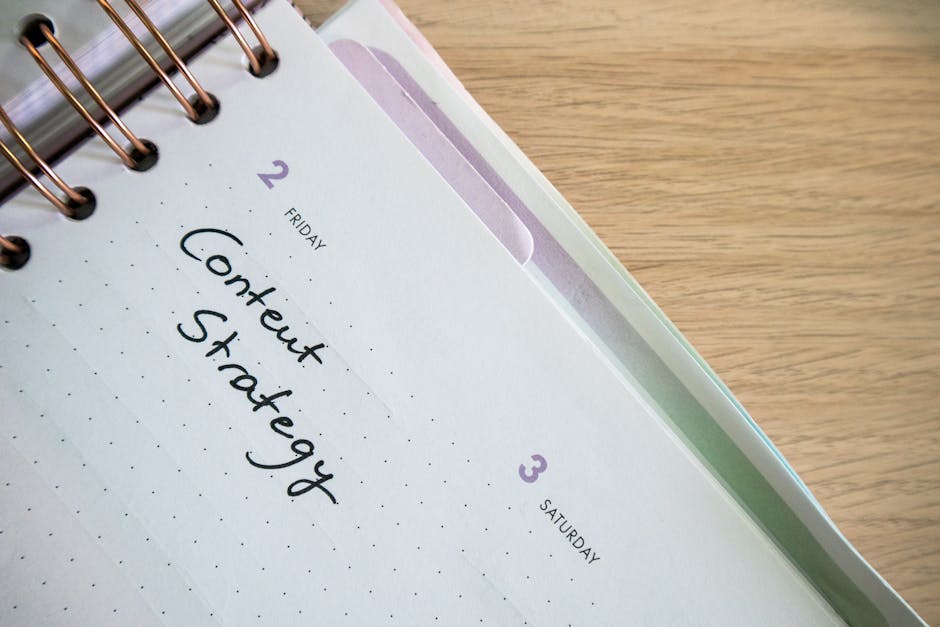
Map out the events, holidays, and seasonal trends that matter to your audience.
If you sell tax software, tax season is huge. If you're in e-commerce, Black Friday and holiday shopping are obvious. If you're a B2B company, industry conferences or busy seasons in your field matter.
Planning these moments in advance means you're not scrambling at the last minute. You can create content that ties into what people are actually searching for.
Brainstorm Your Content Ideas
Now comes the fun part. Generate ideas for blog posts, social content, videos, or whatever format you're using.
Start with keyword research if you're focused on SEO. What are people actually searching for in your industry? What questions do your customers ask? What problems are you solving?
Throw out a bunch of ideas first. Don't judge them yet. You can sort through them later and figure out which ones are winners.
If you're building a content calendar from scratch and you want to accelerate the process, overrank can help you research high-potential keywords and generate blog post ideas automatically. That saves you weeks of brainstorming.
Want to 100% automate blogs on your site + get organic traffic?
Get a FREE Trial →Use a Template to Stay Consistent
Create a simple template for your calendar entries. Each row or entry should include the same information: topic, format, posting date, platform, assigned owner, status, and any relevant links or notes.
A template keeps everyone on the same page. When a new team member joins, they know exactly what information they need to provide. When you're reviewing the calendar, you're not hunting through different formats and styles.
You can use a spreadsheet, a project management tool, or a dedicated content calendar app. The tool matters less than having a consistent structure.
Batch Create Content to Stay Ahead
Don't write one blog post the day before you need to publish it. That's how quality drops and you end up pushing back dates.
Instead, batch create. Dedicate a day or a week to writing multiple posts at once. Write 4 blog posts in a focused session instead of spreading one post across a month.
Batching keeps you in the flow. Your brain stays in writing mode, so you're faster. You can also identify gaps and overlaps across multiple pieces while they're still in draft form.
Assign Clear Ownership

For every piece of content in your calendar, someone needs to own it. That person is responsible for writing it, editing it, or making sure it gets published on time.
Unclear ownership is how content slips through the cracks. When everyone assumes someone else is handling it, nothing gets done.
Write names down in your calendar. If you're a solo operator, that name is you. If you have a team, make it clear who's doing what.
Connect Content to Your Strategic Goals
As you fill in your calendar, make sure each piece of content connects back to your pillar and your business goals. This isn't about being rigid. It's about intention.
If you said your goal was to rank for specific keywords, make sure you have posts planned around those topics. If you're trying to build authority, your content calendar should include deep-dive guides or thought leadership pieces.
Related: How to Do Keyword Research: A Step-by-Step Guide
Related: How to Start an SEO Agency: A Step-by-Step Guide
This alignment is what turns a content calendar from a to-do list into a strategic tool.
Organize Everything in One Place
Use a centralized calendar that your whole team can access. Everyone needs to see what's coming up, what's being published today, and what's already live.
If your team is scattered across different tools and spreadsheets, things get lost. A single source of truth keeps everyone aligned.
This also helps you spot overlaps. If two people are writing about the same topic, you'll see it and can adjust before you waste time on duplicates.
Track and Measure Performance
Your content calendar shouldn't be a one-way street. Add a column to track how each piece performs: traffic, rankings, conversions, engagement, whatever metric matters to your business.
Over time, you'll start to see patterns. Some topics perform better than others. Some content pillars drive more results. Use this data to refine your future calendar.
If you're focused on organic search, tracking keyword rankings for each blog post helps you understand what's working. overrank can help you publish SEO-optimized content consistently and track how it performs in search results, which feeds back into your calendar planning.
Review and Adjust Regularly
Your content calendar isn't set in stone. Review it monthly or quarterly and make adjustments based on what you're learning.
If certain topics aren't performing, swap them out. If you're noticing gaps, fill them. If your business pivots, your calendar should pivot too.
A good content calendar is a living document. It guides you, but it's also flexible enough to adapt as your business changes.
FAQs About Content Calendars
How far in advance should I plan my content calendar?
Ideally, plan at least one month ahead. If you can plan a quarter in advance, even better. That gives you time to batch create and catch gaps before you're scrambling. For seasonal or event-based content, planning 2-3 months out helps ensure you're not late to the conversation.
What's the best tool for a content calendar?
Simple tools work fine: a spreadsheet, Google Sheets, or Trello can get the job done. If you're managing a larger team or multiple projects, project management tools like Asana or Monday might be worth it. The best tool is the one your team will actually use consistently.
How do I avoid content fatigue when planning a calendar?
Mix up your formats and topics. Don't plan 20 similar posts in a row. Vary between educational content, entertaining content, and promotional content. Vary between long-form and short-form. If your calendar looks like the same thing over and over, your audience will feel it.
Should I stick to my content calendar if something trends in my industry?
Yes, mostly. But leave 10-15% of your calendar flexible for timely, unexpected opportunities. If something huge happens in your industry, you should be able to react. Keep the rest planned so you're not making everything up on the fly.
Want to 100% automate blogs on your site + get organic traffic?
Get a FREE Trial →