
Running a small business means you're wearing a lot of hats. One of them is content creation. But if you're juggling blog posts, social media updates, and email newsletters without a plan, you're making the work harder than it needs to be.
A content calendar is your solution. It's a simple planning document that organizes your posts by date and platform, so you know exactly what's going out and when. Instead of scrambling last minute or publishing sporadically, you get consistent, strategic content that actually supports your business goals.
Related: Best Content Calendar Templates 2026: Top 5 Ranked
The best part? Once you set one up, you save time, reduce stress, and start seeing real results in your organic search rankings and audience engagement. Let's walk through how to build one that actually works for your small business.
Related: Best SEO Services for Small Business 2026: Top 6 Ranked
Why a Content Calendar Matters for Small Business
Without a content calendar, your content strategy looks like this: you think of something to post, you write it, you publish it. Maybe. Whenever you remember. This approach leaves gaps in your publishing schedule and makes it impossible to align your content with seasonal moments or business goals.
A content calendar fixes this by centralizing everything in one place. You can see your entire month or quarter at a glance. You know which blog posts are coming, which social updates are scheduled, and whether you're actually hitting your posting frequency.
For small teams or solopreneurs, this is invaluable. You're no longer relying on memory. You can batch your content creation, meaning you spend a few focused hours writing multiple pieces instead of writing one piece at a time. You can coordinate with team members (if you have them) and assign tasks without confusion.
Most importantly, a content calendar keeps you consistent. And consistency is what Google rewards and what your audience expects. If you publish sporadically, your organic search visibility suffers. overrank automates the research and writing part, but you still need a calendar to keep yourself on track and aligned with your business priorities.
What to Look for in a Content Calendar Tool
Not all content calendars are created equal. Here's what you actually need:
- Multi-platform support: You probably aren't just blogging. You're on social media, maybe email. A good calendar shows all your channels in one view so you're not jumping between five different tools.
- Collaborative boards: If you're working with a freelancer, virtual assistant, or even one team member, you need a shared space where you can assign tasks, leave notes, and see who's doing what.
- Scheduling features: The ability to preview how your post will look before it goes live and then schedule it automatically saves you from publishing mistakes.
- Templates: Starting from scratch is slow. Templates for common post types get you moving faster.
- Ease of use: You don't need a tool that requires a tutorial. It should be intuitive enough that you can get it running in an afternoon.
Beyond the tool itself, look for one that lets you build content briefs before writing. This clarifies what each piece needs to accomplish and keeps your team (or your future self) aligned.
How to Set Up Your Content Calendar
Start simple. You don't need to plan six months out on day one. Begin with a 30-day rolling calendar.
First, decide what you're publishing and how often. For a small business blog, twice a month is realistic. Once a week is ambitious but doable if you're batching content. On social media, you might aim for 3-5 posts per week depending on your platform.
Next, think about seasonal themes. Are there predictable busy seasons for your business? Holiday seasons? Industry events? Your content calendar should anticipate these moments so you're not scrambling to create relevant content when the opportunity arrives.
Then populate your calendar with specific dates and topics. Not "blog post" but "Blog: 5 Common Mistakes in [Your Industry] - SEO-optimized, 1,200 words, publish Monday."
Batch your creation days. Set aside a few hours once a week or once every two weeks to write multiple pieces. You'll be faster and more consistent when you're in a focused content mindset instead of creating one post at random moments.
Finally, assign ownership. Even if you're the only person, assign it to yourself. This creates accountability and makes it clear who needs to take action next.
If you're stuck on what topics to write about, overrank researches keywords and generates SEO-optimized content briefs automatically, so you can plug them straight into your calendar without the guesswork.
Want to 100% automate blogs on your site + get organic traffic?
Get a FREE Trial →Aligning Your Content Calendar with Business Goals

Your content calendar isn't just a publishing schedule. It's a tool for hitting business goals.
Are you trying to generate leads? Your calendar should reflect a mix of top-of-funnel educational content and bottom-of-funnel conversion content. If you're focused on revenue, make sure you're regularly publishing content that addresses buying intent and product-specific questions.
If organic search traffic is your goal, your calendar needs to prioritize keyword-targeted blog content that actually has search volume. Publishing random thoughts won't move the needle. You need strategic, research-backed topics.
Use your calendar to track this. Label each post by goal. "Blog: SEO keyword piece," "Social: brand awareness," "Email: lead nurture." Over time, you'll see whether you're actually balanced or if you're neglecting one area.
Review your calendar monthly. Are you hitting your publishing targets? Are posts performing as expected? Adjust next month based on what worked.
Automation and Tools That Save You Time
Manual content calendars work, but they're still a lot of work. Modern tools can take some of the load off.
Look for tools that generate content briefs automatically, so you're not starting from scratch each time. Some platforms can even automate the scheduling itself once content is ready, pushing it out at optimal times.
AI-powered tools are especially useful for small teams because they handle repetitive, time-consuming tasks. You focus on strategy and approval. The tool handles research, outlining, and scheduling.
This is where overrank becomes useful for small business owners. It researches keywords, writes SEO-optimized blog articles, and publishes them on your schedule. You drop your calendar into the system, and it handles the writing and publishing without you needing to hire a writer or agency.
Common Mistakes to Avoid
Planning too far ahead. Three months of content planned rigidly means you can't adapt to current events or what's actually performing. Plan 30 days out, review weekly, and add new items as needed.
Overcommitting. You'd rather publish consistently twice a month than publish chaotically four times a week for two weeks and then disappear. Be realistic about what you can maintain.
Ignoring analytics. If you're not measuring which pieces drove traffic or leads, your calendar becomes just a to-do list. Tie your calendar to results.
Forgetting mobile previews. Your calendar tool should show you how posts look on mobile before publishing. Most traffic is mobile now.
Getting Started Today
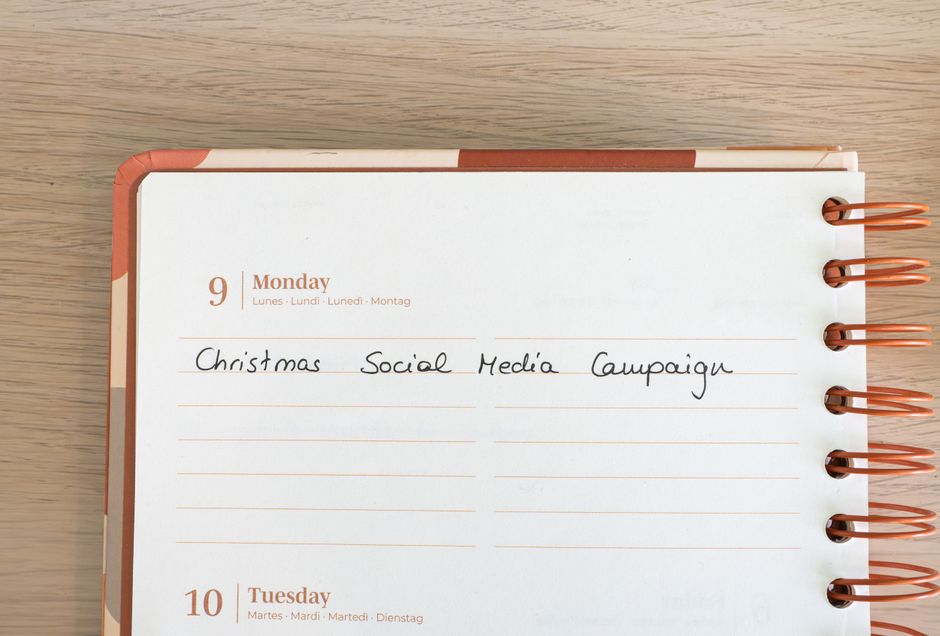
You don't need a perfect system. You need a working one.
Pick a tool, block 30 minutes, and set up a basic calendar for next month. List your topics, assign dates, and identify what needs to be created.
Then commit to publishing on schedule for the next 30 days. You'll quickly see whether your calendar is helping and where to adjust.
If content creation is still the bottleneck even with a calendar, the next step is automating the writing itself. That's where tools that write SEO-optimized blog content for you come in handy, removing the biggest time burden and letting your calendar be purely about strategy and distribution.
How often should I update my content calendar?
Review it weekly and update it monthly. Check what published last week, whether it performed, and add new items for the following month. This keeps it current without overwhelming you with daily maintenance.
Should I plan content differently for social media vs. blog posts?
Yes. Blog posts are evergreen and need keyword research and SEO strategy. Social posts are often more timely and conversational. In the same calendar, blog content sits further out in the future and needs more planning, while social can be more flexible and responsive.
How many team members do I need to make a content calendar worth it?
Even as a solopreneur, a calendar is worth it. It keeps you accountable and consistent. With a team, it becomes essential for coordination and accountability. Start with one person using it and add team members when your content volume grows.
What if I miss a publishing date?
Move it to the next available slot. Don't skip it or publish without a date. Keep your schedule going forward. Missing one post won't tank your strategy, but abandoning your calendar will. The system only works if you stick with it.
Want to 100% automate blogs on your site + get organic traffic?
Get a FREE Trial →

